
Beginners are often inundated with information and new software to choose from. This often leads to procrastination and not being able to start and finish tracks.
Yet another challenge for beginners is knowing which plugins and VSTs to choose to get started. Some VSTs are easy to get started with, but can get rather expensive.
I believe that the notion that expensive VSTs give a better sound is overrated. This is why free VSTs are a great option for beginners trying to hone their sound.
It’s worth stating that a good free VST can get you an awesome sound if you know what you’re doing. There’s a lot more to learn in sound design, and this is where free plugins shine.
Here’s an awesome list of free VST Plugins for beginners to hone their sound and learn sound design along the way.
Key Takeaways
- Free software lets you master sound design with no financial risk.
- Most plugins share similar layouts, so your skills transfer easily.
- Commit to one tool for three months to learn it well.
- Modern free options offer professional sound quality for your tracks.
Why Start with Free VST Plugins?
First of all, we need to address why free plugins are actually the smarter choice. The most important factor is to simply start creating music without pressure. When you haven’t made a financial investment, the creative freedom is invaluable.
The good news is that you don’t have to empty your wallet. Thanks to a plethora of talented developers and generous companies, the options are endless.
The free VST landscape has exploded with options that rival paid alternatives.
| Benefit | Why It Matters |
|---|---|
| Learning without pressure | Experiment freely without fear of wasting money |
| Understanding fundamentals | Streamlined interfaces teach core concepts first |
| No buyer’s remorse | Uninstall and move on if it doesn’t fit |
| Better decisions later | Know what you need before investing money |
Free plugins often have streamlined interfaces that help you grasp core concepts. You can explore without worrying about wasting your investment.
This psychological freedom is invaluable for creative exploration.
Best Free Synthesizer VSTs
Vital
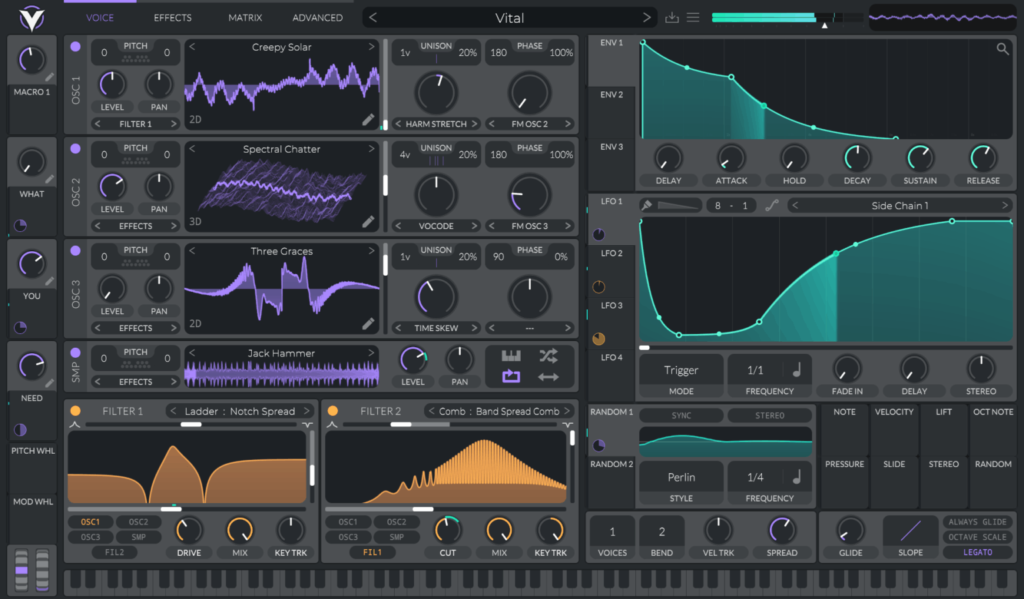
If you’re looking to explore synthesis, Vital stands as one of the most powerful options. This spectral warping wavetable synthesizer offers a modern interface and exceptional sound quality. It easily competes with expensive alternatives.
Key Features:
- Unlimited voices and modulation sources
- Intuitive visual feedback for every parameter
- Extensive preset library to learn from
- Drag-and-drop modulation system
- High-quality effects rack included
One aspect that’s often overlooked is its educational value. The visual feedback helps you understand exactly what each knob does to your sound.
This makes it an exceptional learning tool for beginners. The downside is that it can be CPU-intensive on older computers.
Synth1
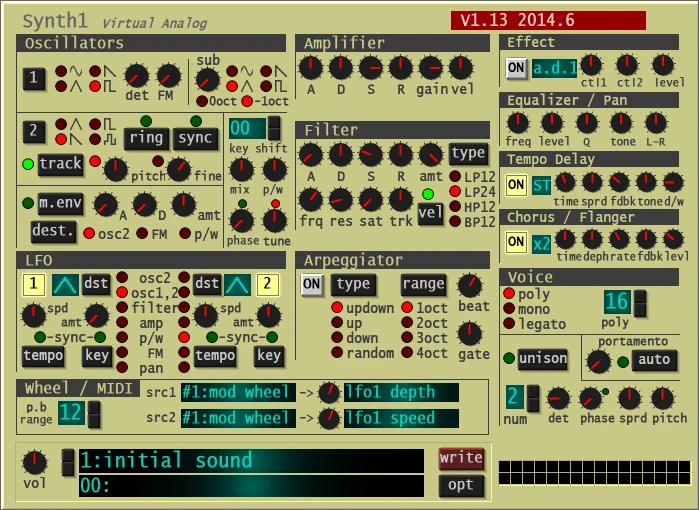
Speaking of legendary free synths, Synth1 has been around for years. It remains a staple in countless producers’ arsenals.
This virtual analog synthesizer emulates the classic sound of hardware synths from the late 90s.
Key Features:
- Classic subtractive synthesis architecture
- Thousands of free presets available online
- Lightweight on CPU resources
- Simple, straightforward interface
- Warm, analog-style sound
The reason why Synth1 continues to be relevant is its reliability and ease of use. While it might not look as flashy as modern alternatives, it delivers consistently great sounds. It also teaches fundamental synthesis principles beautifully.
Dexed
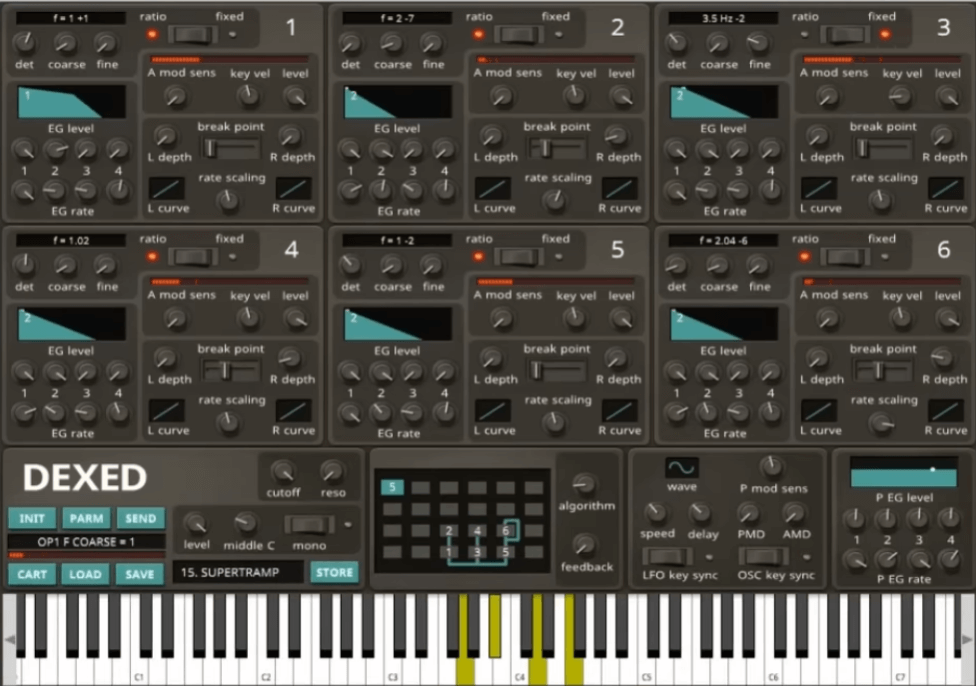
For those curious about FM synthesis, Dexed offers a faithful recreation of the legendary Yamaha DX7.
This might sound intimidating, but it’s actually a fantastic learning opportunity. You can explore a different synthesis method entirely.
Key Features:
- Accurate DX7 emulation
- Access to thousands of classic DX7 patches
- Clean, digital sound character
- Perfect for bell tones, electric pianos, and basses
- Surprisingly CPU-efficient
It’s tempting to stick with familiar subtractive synthesis. However, exploring FM synthesis with Dexed opens up entirely new sonic territories.
The vast library of available patches means you can learn by deconstructing sounds.
Best Free Effect Plugins
Valhalla FreqEcho
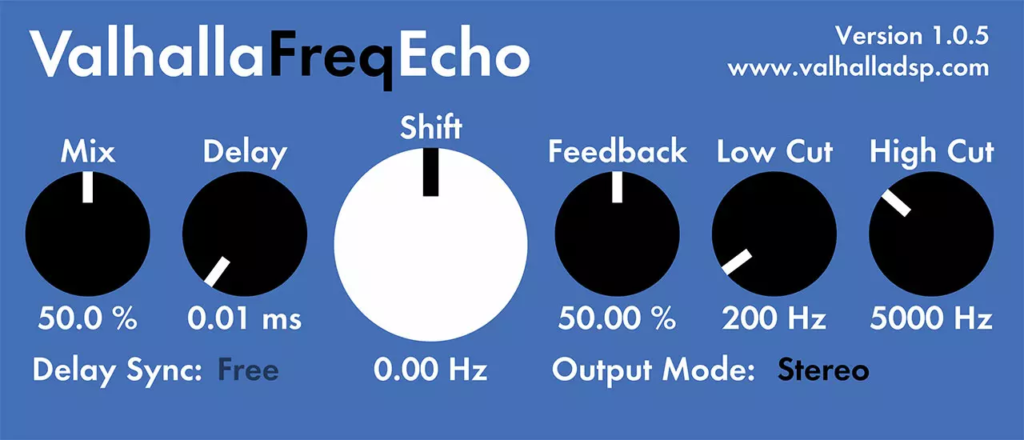
Now it’s a question of adding character and movement to your sounds. Valhalla FreqEcho combines delay and frequency shifting to create unique modulation effects. These range from subtle to otherworldly.
Key Features:
- Frequency shifter combined with analog echo
- Simple three-knob interface
- Can create chorus, flanging, and resonator effects
- Unique sound character
- Minimal CPU usage
One of the main questions we see online is about making tracks more interesting. How do you add polish without expensive plugins? Valhalla FreqEcho provides a perfect answer with creative effects that cost nothing.
TDR Nova
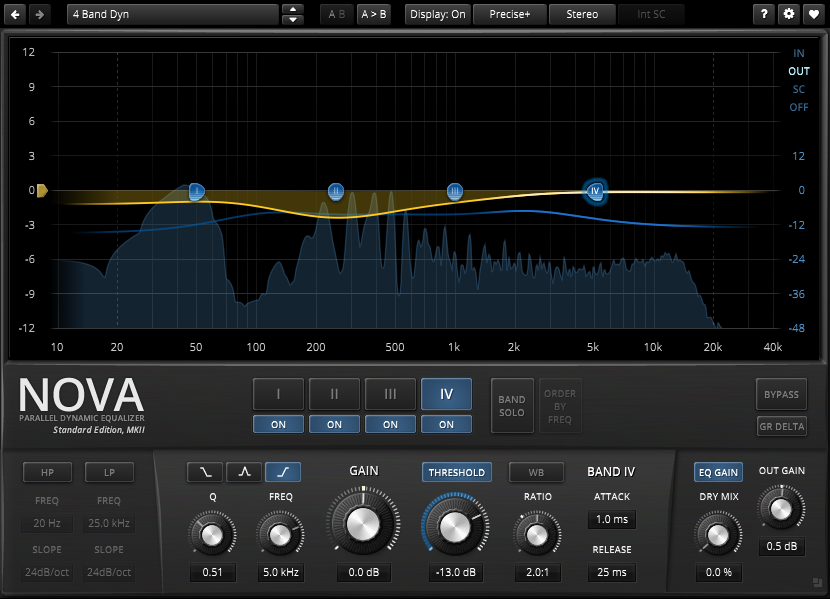
Equalization is fundamental to mixing. TDR Nova delivers professional-grade dynamic EQ capabilities completely free. This plugin is so good that many professional engineers use it regularly.
Key Features:
- Dynamic and parallel dynamic EQ modes
- Four parametric bands
- Transparent sound quality
- Intuitive visual feedback
- Spectrum analyzer included
The main point is that you can achieve professional-sounding mixes using TDR Nova. It’s far better to master this free EQ than to own expensive alternatives. Understanding one tool deeply beats superficially knowing many tools.
OTT (Xfer Records)
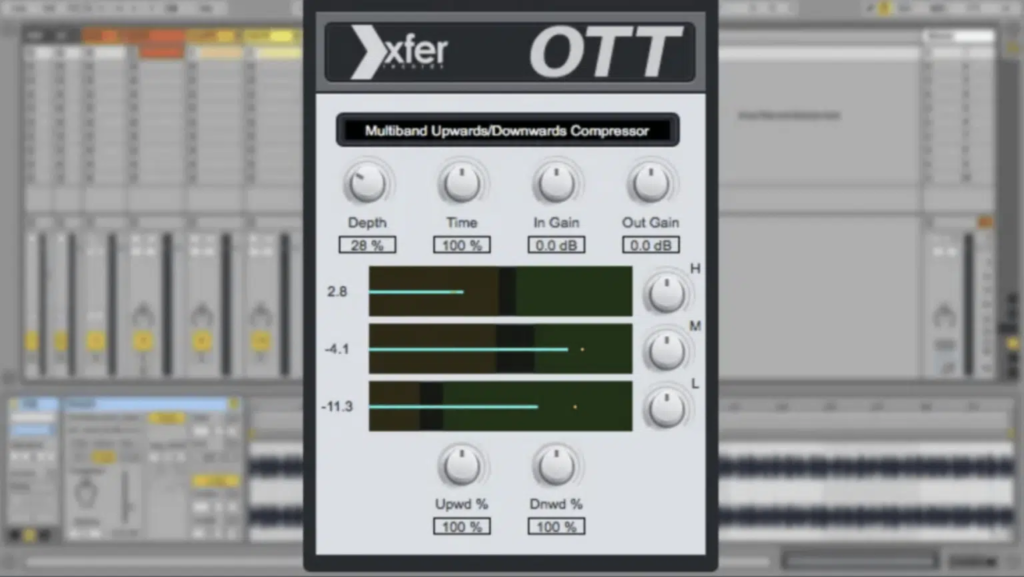
If you’ve heard modern electronic music, you’ve heard the effect of multiband compression. OTT, originally developed by Steve Duda, has become an industry standard. It’s now freely available from Xfer Records.
Key Features:
- Multiband upward and downward compression
- Three frequency bands with adjustable crossovers
- Depth control for effect intensity
- Output gain compensation
- Preset system for quick results
Be sure to always use OTT carefully. It’s a powerful tool that can easily be overused. That being said, there are some sounds that simply come alive with it. The right amount of OTT processing can transform a mix.
Valhalla Supermassive
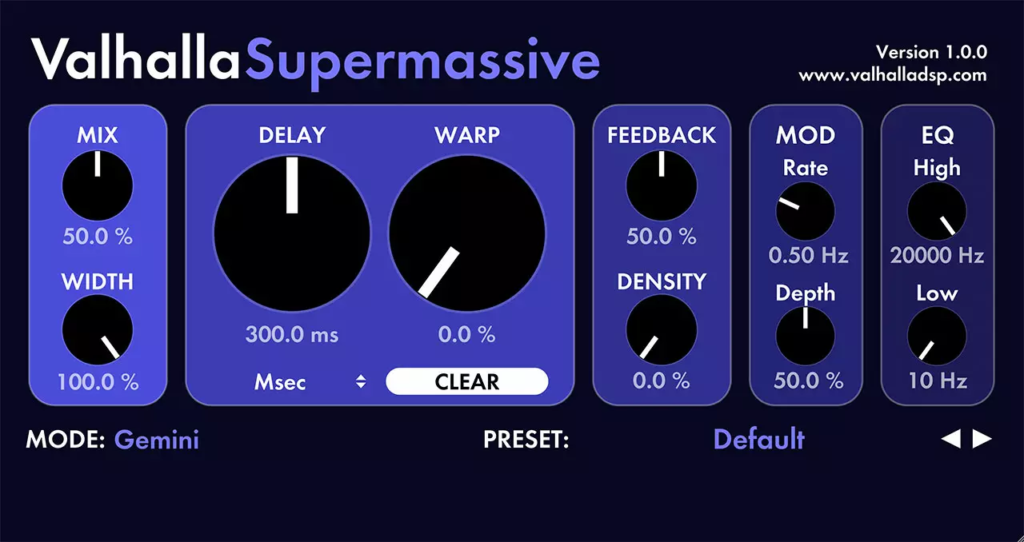
Reverb and delay are essential for creating space and depth in your mixes. Valhalla Supermassive delivers massive, lush reverbs and delays. These sound expensive but cost nothing.
Key Features:
- Eight unique reverb/delay modes
- Feedback delay network technology
- Can create subtle ambience or huge, evolving soundscapes
- Simple interface with powerful results
- Preset browser for instant inspiration
We get it. Reverb can be confusing for beginners. Our advice is to start with Supermassive’s presets and adjust the mix knob. You’ll develop an ear for good reverb usage much faster this way.
Best Free Drum Plugins
MT Power Drum Kit 2
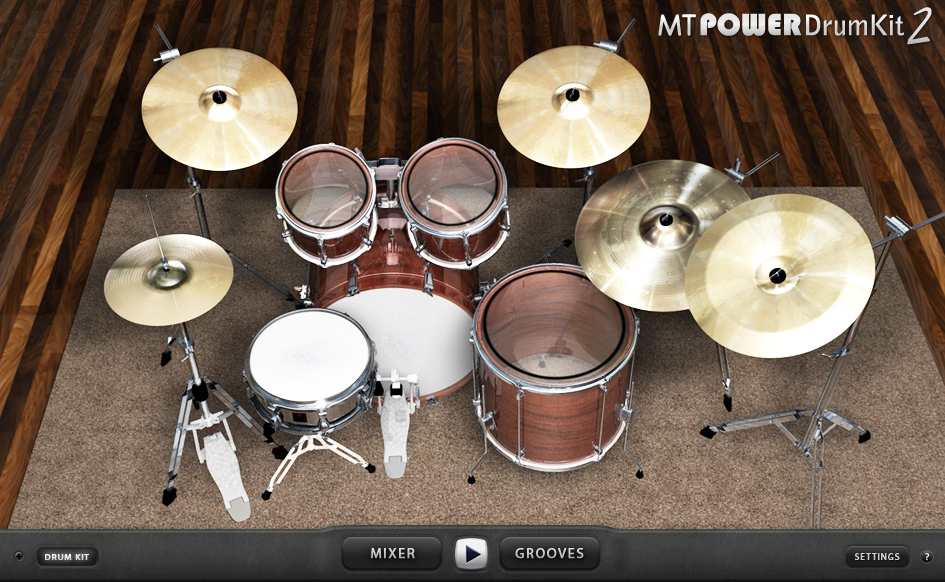
A great way to start creating beats is with a realistic acoustic drum kit. MT Power Drum Kit 2 provides professionally recorded drums. The interface is intuitive and perfect for beginners.
Key Features:
- Full acoustic drum kit with multiple articulations
- Built-in groove player with MIDI patterns
- Mixer section for balancing drum elements
- Overhead and room microphone positions
- Low CPU footprint
The particular problem for beginners is often getting realistic-sounding drums. MT Power Drum Kit solves this beautifully. It provides ready-to-use sounds that sit well in mixes without extensive processing.
Sitala
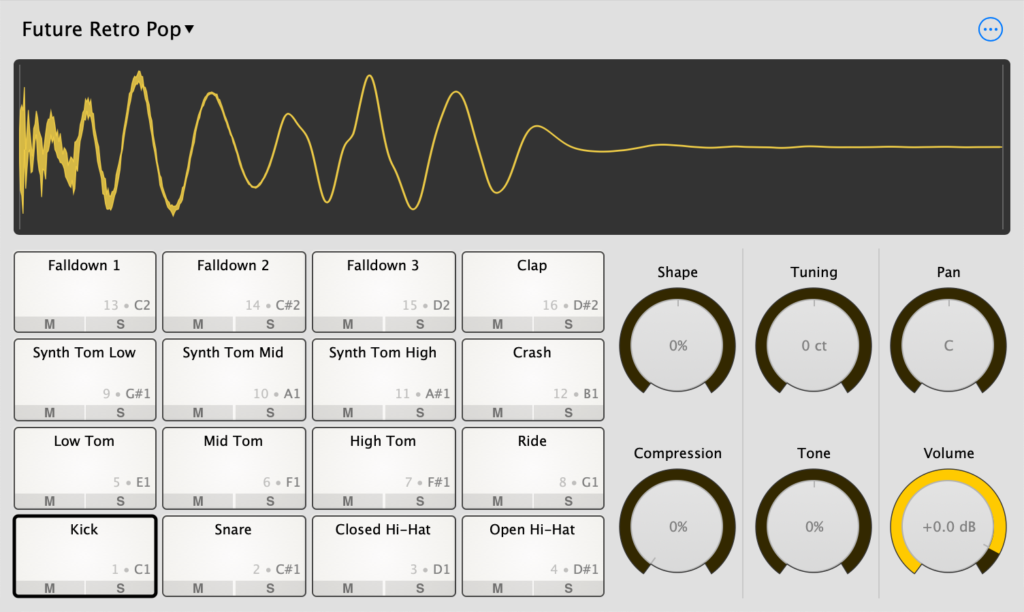
For electronic music producers, Sitala offers a straightforward drum sampler. It includes essential features and clean sound quality.
Key Features:
- 16-pad drum sampler
- Drag-and-drop sample loading
- Individual outputs for routing
- ADSR envelopes and filters per pad
- Comes with quality sample packs
Simply put, Sitala gives you everything you need to create beats. It won’t overwhelm you with options. It’s the perfect middle ground between simplicity and functionality.
Best Free Utility Plugins
Youlean Loudness Meter
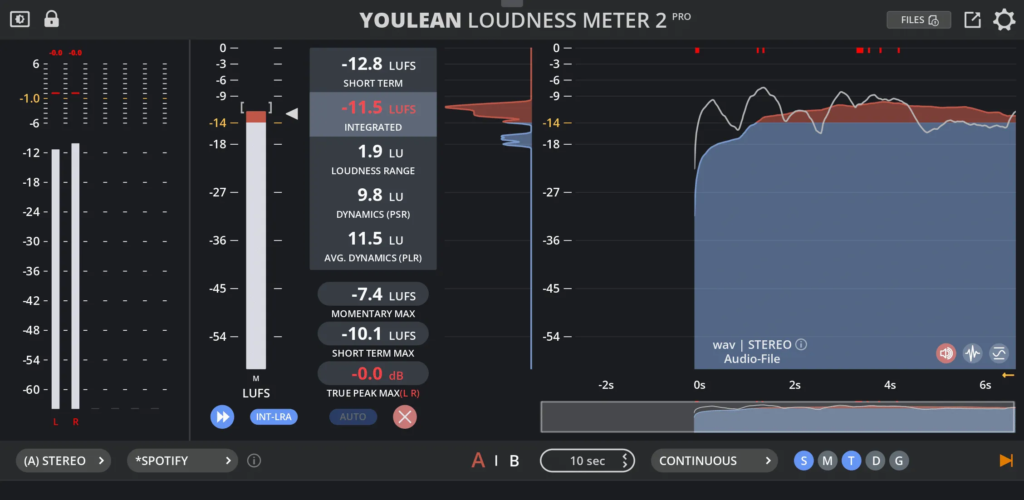
It’s normal for beginners to struggle with proper gain staging and loudness. Youlean Loudness Meter takes the guesswork out of achieving appropriate levels. It works for different platforms and streaming services.
Key Features:
- True peak and integrated loudness metering
- Support for multiple loudness standards
- Dynamic range measurement
- Clean, readable interface
- Preset targets for streaming platforms
One reason to trust Youlean Loudness Meter is its accuracy and reliability. Professional mastering engineers regularly use this plugin. This speaks volumes about its quality despite being free.
SPAN
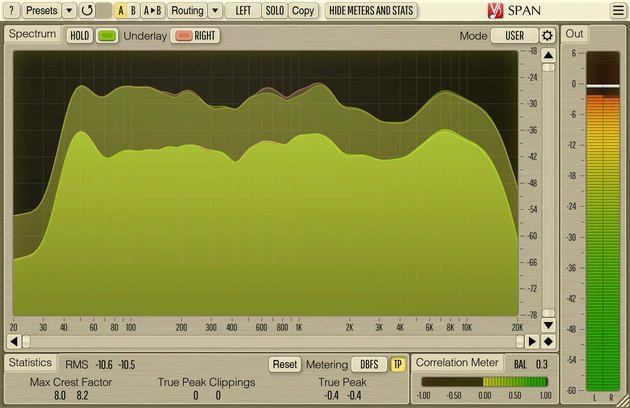
Understanding frequency content is crucial for mixing. Voxengo SPAN provides professional spectrum analysis. It helps you visualize what’s happening in your mix.
Key Features:
- Real-time FFT spectrum analyzer
- Multiple display modes and configurations
- Correlation meter for stereo field analysis
- Peak and average spectrum overlays
- Highly customizable display
We hear from a lot of people who are trying to understand muddy or harsh mixes. SPAN makes these problems visible. You can identify and fix frequency issues with precision.
| Plugin Type | Best Free Option | Primary Use |
|---|---|---|
| Synthesizer | Vital | Wavetable synthesis and sound design |
| EQ | TDR Nova | Dynamic equalization and mixing |
| Compressor | OTT | Multiband compression for punch |
| Reverb | Valhalla Supermassive | Creating space and depth |
| Drums | MT Power Drum Kit 2 | Realistic acoustic drums |
| Metering | Youlean Loudness Meter | Loudness standards compliance |
Best Free Instrument Plugins
Spitfire LABS
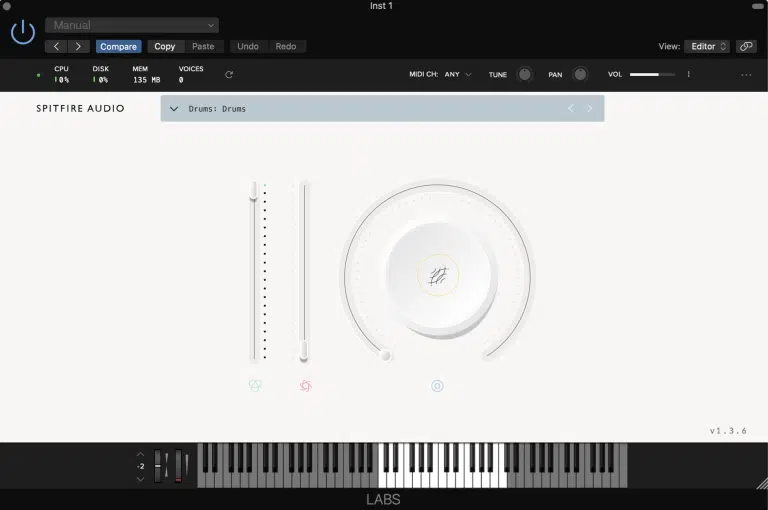
The vast majority of producers need orchestral sounds, atmospheric textures, or unique instruments. Spitfire LABS offers an ever-growing collection. These are beautifully recorded instruments and sound design tools.
Key Features:
- Rotating collection of free instruments
- Professional recording quality
- Simple, intuitive interface
- Regular new releases
- Minimal system requirements for most instruments
What’s also great about LABS is the variety. From soft piano to thunderous drums, ethereal pads to experimental textures. Each instrument comes with basic controls that beginners can understand immediately.
Ample Bass P Lite II
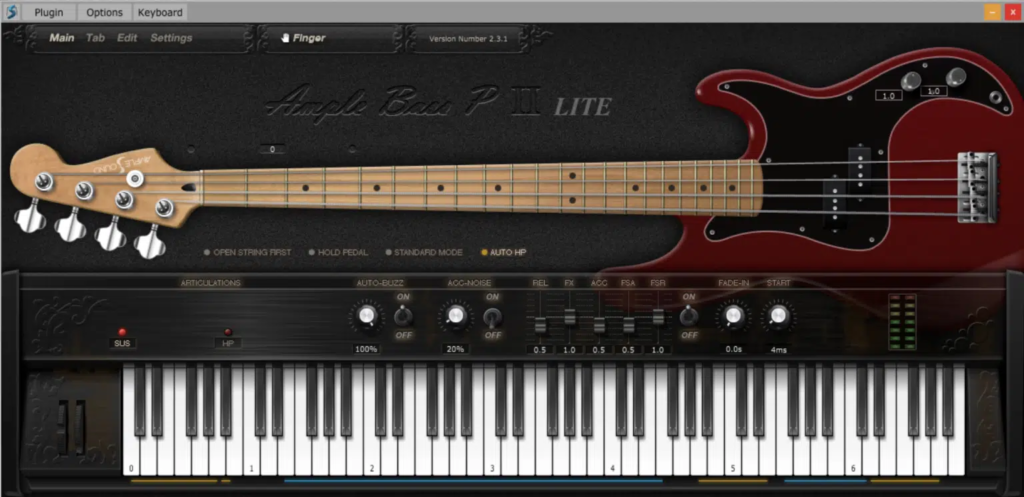
Bass guitar is essential for many genres, but not everyone owns one. Ample Bass P Lite II delivers convincing electric bass tones. It includes realistic playing techniques.
Key Features:
- Sampled Fender Precision Bass
- Multiple playing techniques and articulations
- Tab player for realistic performances
- Built-in effects chain
- MIDI pattern library
The reason behind this recommendation is simple. It sounds great and responds naturally to MIDI input. You can create professional-sounding bass lines without hiring a session musician.
Keyzone Classic
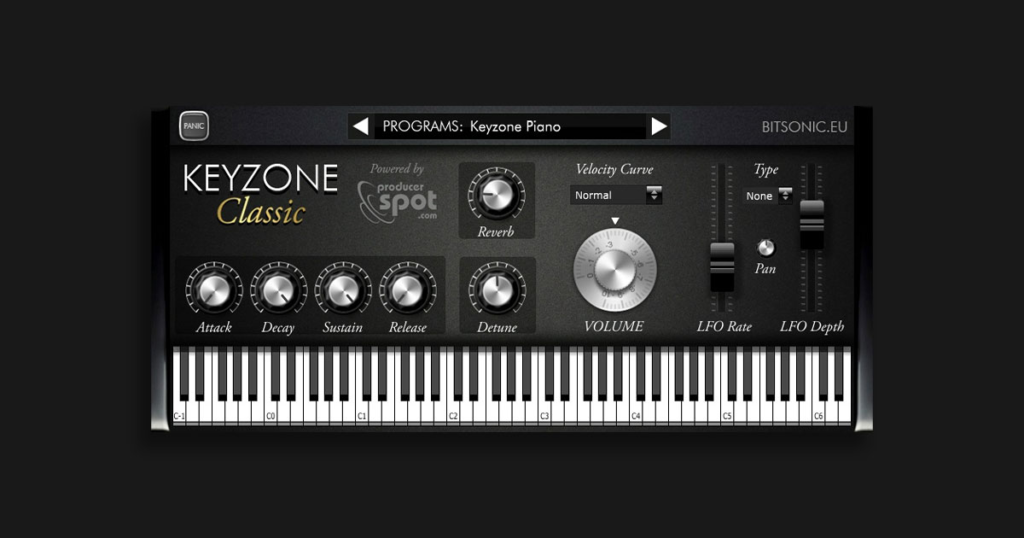
Piano is fundamental to so many musical styles. Keyzone Classic provides a straightforward, good-sounding piano. No complexity or cost required.
Key Features:
- Clean acoustic piano sound
- Simple interface focused on playability
- Light on system resources
- Velocity-sensitive response
- Perfect for learning and composing
It might sound silly, but sometimes you just need a piano that works. Keyzone Classic delivers exactly that. Reliable, musical piano tones for any project.
Common Mistakes to Avoid
The Collection Trap
Just don’t fall into the “quantity over quality” trap. Having hundreds of free plugins doesn’t make you a better producer. Even the most seasoned professionals often rely on a core set of plugins. They rarely switch between hundreds of options.
Ignoring the Manual
One annoying thing about jumping straight into plugins is missing powerful features. Hidden features exist in submenus or keyboard shortcuts. Take the time to at least skim the manual or watch one tutorial.
Not Saving Presets
As you discover sounds you like, be aware of the importance of saving them. Creating a personal preset library ensures you can recall sounds quickly. It also builds your unique sonic palette.
Comparing Yourself to Others
It would be ridiculous to expect your first tracks to sound like professional releases. Remember that experienced producers have years of practice. The tools matter less than the knowledge and experience behind them.
In Summary: Best Free VST Plugins For Beginners
I’ve noticed that after a while playing around with free plugins, beginners learn sound design and feel comfortable editing templates. Because most plugins have more or less the same interface and settings, beginners can then move on to paid VST plugins to improve their sound.
What’s also great about free VST plugins is that you’re not locked in and can just uninstall the plugin if it’s just not right for you. I always recommend using a VST plugin for at least 3 months before choosing to delete it.
This is because by then, you know all the plugin factory templates and can edit them comfortably to decide.
Frequently Asked Questions
Are free VST plugins safe for my computer?
It is wise to only download software from the official developer’s website to stay safe. Most established free tools from reputable companies are perfectly secure and professional.
Can I make professional tracks with free plugins?
Many world-class producers use free tools that match the quality of expensive paid software. Let’s be honest, your talent and skills matter much more than the price of your plugins.
What is the main difference between VST and VSTi?
A VST is usually an effect like reverb that changes a sound you already have. In contrast, a VSTi is a virtual instrument that generates new sounds from your MIDI notes.
Do these free plugins work on both Windows and Mac?
Most modern developers provide versions for both systems, but you should always check the format first. It is also clear that VST3 is the most common format for long-term project compatibility.
Why are my new plugins not appearing in my DAW?
This usually happens because the plugin was installed in a folder your software does not scan. Make sure to add your specific plugin folder to the search path in your settings.