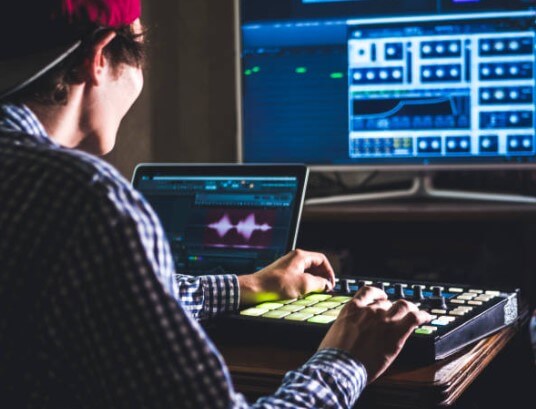

Recording yourself playing guitar feels awkward at first. You hit record, play with confidence, and then listen back. Suddenly, everything sounds different. Timing feels off, and tone feels smaller.
I remember that moment clearly because it nearly stopped me from recording altogether.
That discomfort is normal. It’s also the fastest path to improvement.
Recording changes how you hear yourself. It turns vague feelings into clear feedback. It also opens the door to sharing your playing online, tracking progress, and building confidence over time.
This guide walks through the process in a grounded, realistic way, based on what actually works in a home setup.
Key Takeaways
- Recording reveals habits your ears miss while playing.
- Simple setups beat complicated ones almost every time.
- Consistency matters more than gear or plugins.
Why Recording Yourself Matters More Than You Think
Playing guitar and listening to guitar use different parts of your brain. While playing, your focus stays on movement, muscle memory, and feel. Listening back forces attention onto timing, tone, and dynamics.
That contrast is powerful.
The first thing recording exposed for me was timing. Chord changes that felt smooth suddenly dragged. Riffs rushed.
Those issues never showed up during live playing. Recording made them impossible to ignore.
Another benefit surprised me later. Recording removed emotional bias. Bad takes stopped feeling personal. They became information. That mindset shift made practice calmer and more productive.
Recording also builds confidence quietly. The red light stops feeling intimidating. Pressing record becomes routine, and that confidence transfers to live playing and sharing music publicly.
Choosing a Recording Approach
There’s no universal setup. The best approach fits your space, time, and goals.
A phone-only setup works better than many expect. Modern phones capture clean video and usable audio. This option shines for quick ideas, practice checks, and casual clips.
The limitation shows up in control. Room noise and reflections stay baked into the recording.
DAW recording offers more control. It also demands more decisions. Interfaces, software, cables, and settings enter the picture.
This path works best if you want polished audio or layered parts.
I still use both. My phone captures moments quickly. My computer handles recordings I plan to keep or share.
The Gear That Helps
Gear talk gets loud fast. Most setups need far less than the internet suggests.
An audio interface sits at the center of computer recording. It converts your guitar signal into digital audio.
Entry-level interfaces sound clean and reliable today. One instrument input and a headphone output cover most needs.
Recording software handles capturing and editing audio. Many options exist. Comfort matters more than features. I stayed productive for years using basic software because I knew it well.
Microphones matter for acoustic guitars and amps. Placement matters more than price. Small angle changes can transform tone more than expensive upgrades.
Headphones help with monitoring. Closed-back designs prevent sound leaking into microphones. Speakers help later during mixing, though they aren’t essential at the start.
That’s all you need. Everything else can wait until experience creates a real reason.
Setting Up and Recording
My recording routine stays simple on purpose.
I plug my guitar into the interface, open my recording software, and create a single audio track. Before recording anything serious, I play a short test. Loud parts and soft parts both matter. Input levels should stay clean and never hit red.
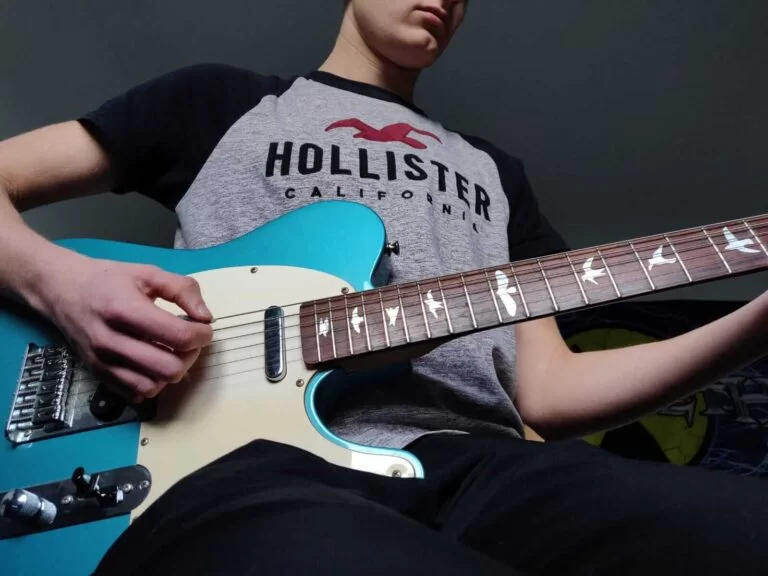
Once levels feel right, I record full takes without stopping. Judging while playing ruins flow. Listening happens after.
This habit alone improved my recordings more than any plugin ever did.
Direct recording electric guitar feels strange at first. The raw signal sounds flat and uninspiring. That’s normal. Software amp models shape tone after recording.
Clean settings translate better than heavy distortion. Recorded gain stacks quickly and turns muddy faster than expected.
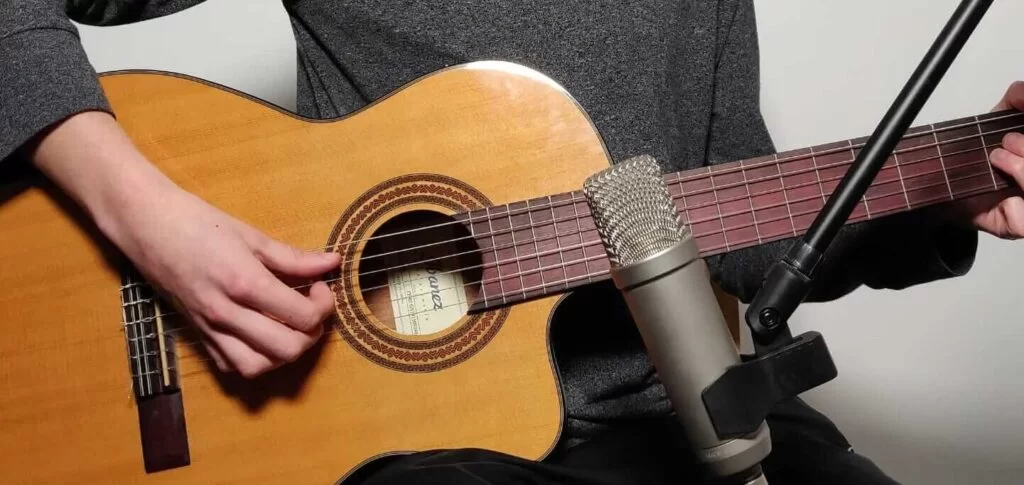
Acoustic recording exposes everything. Mic placement becomes the main factor. Aiming near the twelfth fret usually captures balance. Pointing directly at the sound hole exaggerates bass. Room reflections matter more than people expect. Rugs, curtains, or even a couch can soften harsh reflections.
I once fixed brittle acoustic recordings simply by turning my chair slightly. Tiny changes count.
Video, Editing, and Syncing
Audio keeps people listening. Video earns attention.
Camera placement should show hands clearly. A slightly elevated angle toward the fretboard works well. Front-facing shots build connection.
Lighting shapes mood more than camera quality. Natural light from a window softens shadows and flatters skin tones. Bright lights behind you flatten the image and distract.
Recording audio and video separately improves quality. Syncing them sounds harder than it is. A simple clap before playing creates a clear marker. Aligning audio and video takes seconds in editing software.
Editing should polish, not erase personality. I trim silence, balance volume, and apply light EQ. Heavy processing stays off unless a problem demands it. Clean recordings age better than over-processed ones.
Mistakes sometimes stay. They add humanity and honesty.
Sharing, Improving, and Staying Consistent
Sharing recordings feels vulnerable. Start small. Private folders count. Trusted friends help. Short clips reduce pressure.
Confidence grows through repetition. Each upload feels easier than the last. Using the phrase record myself playing guitar once in descriptions helps discoverability without sounding forced or spammy.
Consistency matters more than intensity. Short sessions beat long ones. A fixed setup removes friction. Familiar routines speed recording.
Recording also changes how you practice. Timing improves first. Dynamics follow. Phrasing gains intention. Listening skills sharpen. Progress stops being a feeling and becomes proof.
Learning how to record myself playing guitar reshaped my relationship with practice. It turned mistakes into teachers. It removed guesswork. It made improvement visible.
You don’t need perfect gear, and you don’t need studio knowledge. You need curiosity, repetition, and patience.
Press record. Play honestly. Improve quietly.
FAQ: Record Yourself Playing Guitar
Should you record yourself playing guitar?
Yes. Recording exposes timing, tone, and technique issues you won’t hear while playing. Even short recordings can speed up improvement.
Can you record guitar using your phone?
Yes. A phone is enough for practice clips, quick ideas, and social media. Audio control is limited, but it’s the fastest option.
Should you record guitar with headphones?
Yes. Headphones prevent sound bleed and help you hear details clearly during playback and editing.
What’s the easiest way to record guitar?
The easiest way is using your phone or plugging your guitar directly into an audio interface and recording software. Simple setups encourage consistency.
Is recording yourself playing guitar worth it?
Yes. Recording turns practice into feedback and makes progress easier to track over time.