
If you have ever sat halfway through a mix and felt stuck, you already know this truth. The DAW matters.
Not because one sounds better. They all sound clean. The difference shows up in how fast you work, how focused you stay, and how often you second-guess simple moves.
I have mixed full projects in both Studio One and Logic Pro. Each one shines in its own way. Each one also has moments that slow you down.
So let’s answer the real question. Which one actually wins for mixing?
Key Takeaways
- Both DAWs deliver professional-level mixes
- Mixing speed depends more on workflow than plugins
- Platform choice can quietly shape your mixing habits
- Familiarity often beats feature depth
Why Mixing Workflow Is The Real Deciding Factor
Mixing is not about tools. It is about decisions. Every extra click delays a decision. Enough delays kill momentum.
The DAW you mix in shapes how you think. It affects how quickly you reach for EQ, how you automate levels, and how comfortable you feel committing to moves.
I noticed this the hard way.
When I switched DAWs for a project, my mixes took longer even though the plugins were familiar.
The layout changed how I worked.
Here is what usually matters most during mixing:
- Speed of common actions
- Visual clarity in the mixer
- Ease of automation editing
- Session stability under load
Features mean nothing if they slow these down.
Why Mixing Workflow Is The Real Deciding Factor
Mixing is not about tools. It is about decisions and every extra click delays a decision. Enough delays kill momentum.
The DAW you mix in shapes how you think. It affects how quickly you reach for EQ, how you automate levels, and how comfortable you feel committing to moves.
I noticed this the hard way that when I switched DAWs for a project, my mixes took longer even though the plugins were familiar. The layout changed how I worked.
Here is what usually matters most during mixing:
- Speed of common actions
- Visual clarity in the mixer
- Ease of automation editing
- Session stability under load
Features mean nothing if they slow these down.
Studio One Mixing Workflow Overview
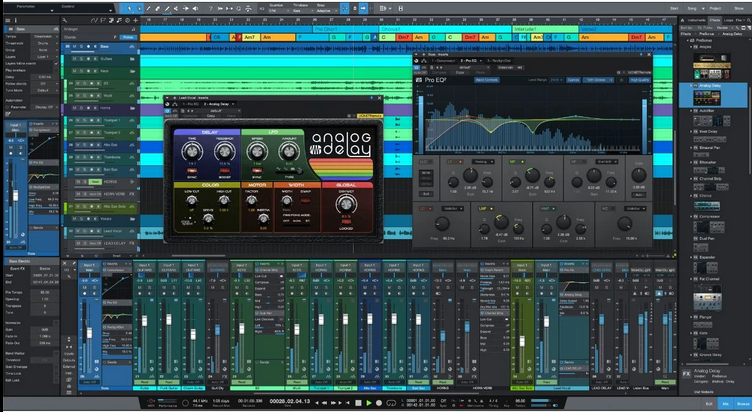
Studio One feels modern the moment you open it. The single-window design keeps everything visible without jumping between views.
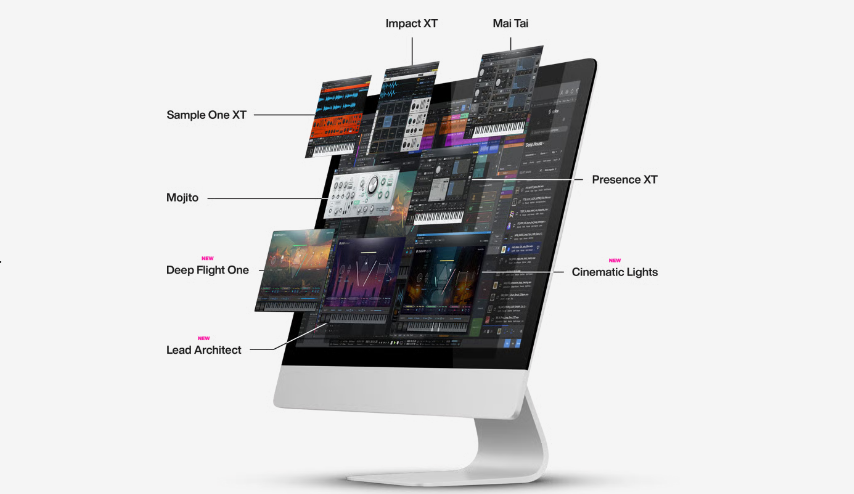
Drag-and-drop is everywhere. You can drag effects onto tracks, sends onto channels, and routing into place without menus. That sounds small until you do it hundreds of times per mix.
I also like how Studio One handles gain staging. The built-in tools make it easy to keep levels clean before hitting plugins.
Studio One Mixing Strengths
- Fast drag-and-drop routing
- Clear console view
- Simple gain staging tools
- Quick automation access
Studio One encourages fast decisions. That alone makes it appealing for mixing.
Logic Pro Mixing Workflow Overview
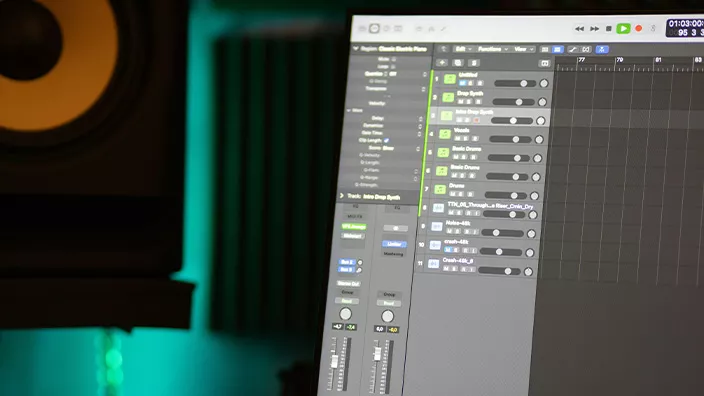
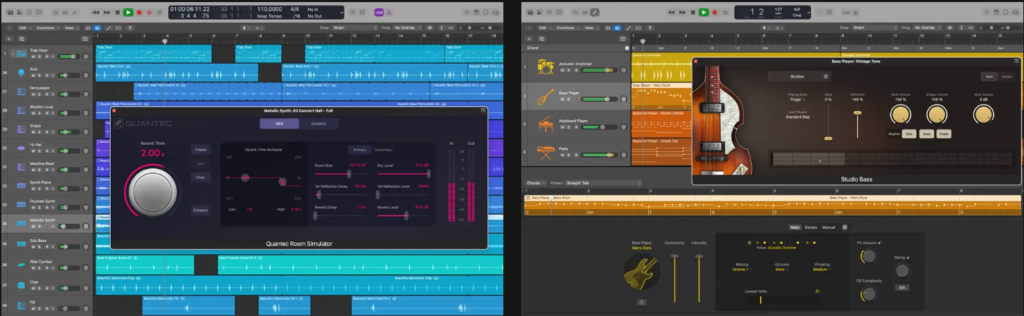
Logic Pro feels familiar if you come from traditional studios. The mixer layout follows classic conventions. Everything is where you expect it to be.
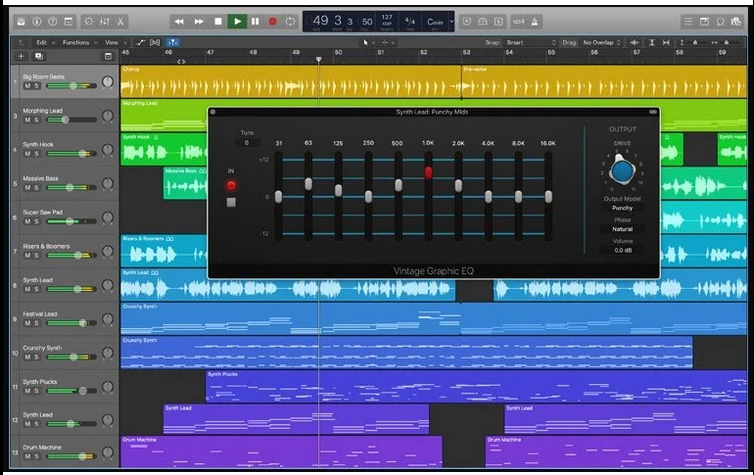
Logic shines when projects get complex. Track stacks help organize large sessions. Grouping works reliably and routing options go deep.
Logic also benefits from macOS optimization. On Apple hardware, it feels smooth even under heavy loads.
Logic Pro Mixing Strengths
- Traditional mixer layout
- Strong routing and grouping
- Stable performance on macOS
- Excellent visual metering
Logic feels comfortable for long mix sessions. It rarely fights you.
Stock Plugins For Mixing Compared
The question is: can you mix a professional track with just stock plugins? The answer differs slightly between these two DAWs.
Logic Pro comes loaded with an insane library of mixing tools. The Channel EQ is surgical and transparent, perfect for corrective work and creative shaping.
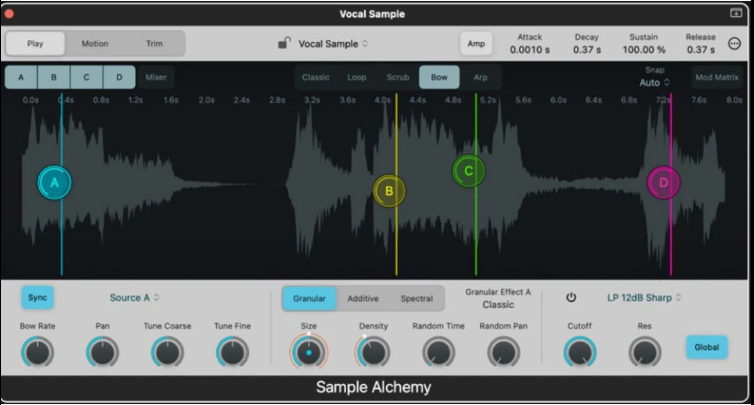
The compressor options range from vintage emulations to modern digital processors. You also get fantastic reverbs, delays, and modulation effects that rival third-party options.
Studio One Professional includes some serious mixing weapons too. The Pro EQ is responsive and sounds great, and the compressor has multiple modes for different mixing scenarios.
One of my biggest wins with Studio One is the built-in Melodyne Essential, which is incredible for vocal tuning during the mixing stage.
It’s worth stating that Logic’s plugin collection is significantly larger. You get over 100 plugins and effects right out of the box, covering everything from vintage gear emulations to futuristic sound design tools.
Studio One’s collection is smaller but still professional-grade.
Here is a simple comparison.
| Mixing Tool | Studio One | Logic Pro |
|---|---|---|
| Stock EQ | Pro EQ | Channel EQ |
| Compressors | Clean and simple | Multiple styles |
| Channel Strip | Minimal | Feature rich |
| Saturation | Basic tools | More variety |
I tend to reach for third-party plugins in both DAWs. Still, Logic gives you more variety out of the box.
Automation And Control While Mixing
Automation can make or break a mix workflowso if it feels clumsy, you avoid it. That hurts results.
Studio One makes automation very accessible. Writing volume or plugin moves feels quick. Editing curves is straightforward so you spend less time fighting lanes.
Logic offers deep automation control. You can automate almost anything. The tradeoff is complexity. It takes longer to learn where everything lives.
Here is how they compare in practice:
- Studio One favors speed and simplicity
- Logic favors depth and precision
For fast client revisions, Studio One feels quicker. For detailed rides and complex moves, Logic feels powerful.
CPU Performance And Session Stability
Mixing sessions get heavy and high track counts. Multiple plugins. Dense automation.
Logic Pro performs extremely well on Apple Silicon. Large sessions stay responsive longer than expected. Crashes are rare in my experience.
Studio One performs well on both macOS and Windows. That matters if you collaborate across systems. Performance is stable, though very heavy sessions can feel slightly slower on older machines.
Platform matters here:
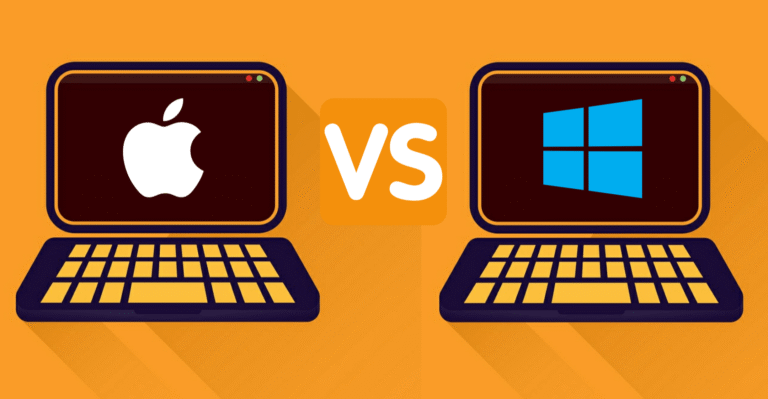
- Logic is macOS only
- Studio One works on macOS and Windows
If you mix on multiple systems, Studio One offers flexibility.
Audio Editing Before And During Mixing
Clean edits make mixing easier. Clip gain, fades, and tight timing save time later.
Studio One excels at audio editing. Clip gain is quick. Fades are intuitive. Transient handling feels natural.
Logic also handles editing well, though some actions take extra steps. It shines during comping and arrangement cleanup.
Audio Editing Advantages
- Studio One feels faster for corrective edits
- Logic feels stronger for detailed comping
If your mixes involve heavy vocal or drum cleanup, Studio One can save time.
Third-Party Plugins And Integration
Most mixers rely on third-party plugins. Compatibility matters.
Logic uses AU plugins only and that is fine for most users, but it limits some options. Studio One supports VST plugins, which many developers prioritize.
Plugin management in Studio One feels cleaner. Sorting and organizing plugins is simple. Logic can feel cluttered once collections grow.
This becomes noticeable over time:
- Studio One offers broader plugin format support
- Logic stays within the Apple ecosystem
Neither choice hurts sound quality. Workflow decides the winner.
Price and Value for Mixers
Let’s talk money because these DAWs have very different pricing strategies that affect their value proposition for mixing work.
| DAW | Price | Updates | What You Get for Mixing |
|---|---|---|---|
| Logic Pro | $199.99 one-time | Free forever | 100+ plugins, vintage emulations, extensive sound library |
| Studio One Professional | $399.95 one-time | Paid major upgrades | 40+ effects, Fat Channel, Melodyne Essential, cross-platform |
| Studio One Artist | $99.95 one-time | Paid major upgrades | Limited plugins, no Fat Channel XT, basic mixing tools |
Logic Pro is honestly a steal at $199.99. You get lifetime free updates, which means every new feature, plugin, and improvement comes to you at no extra cost. That’s incredible value for a professional mixing environment.
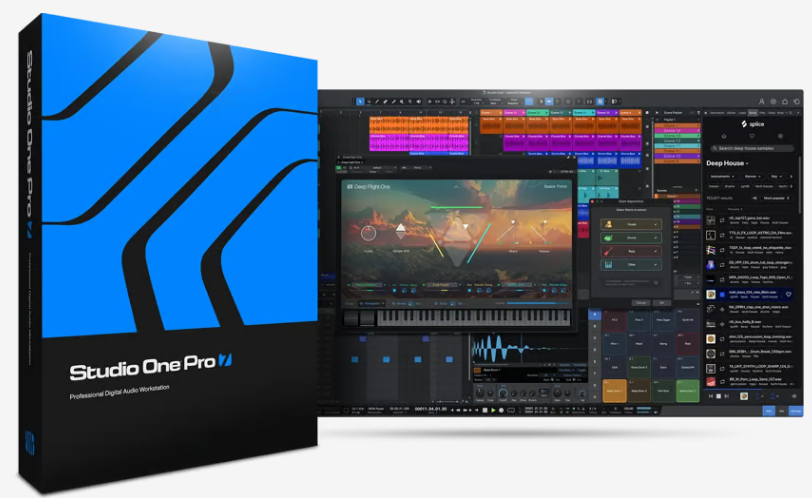
Studio One Professional costs double at $399.95, and you’ll pay for major version upgrades. The upside is you get cross-platform compatibility and some unique mixing features. If you work on both Mac and Windows systems, that flexibility might justify the extra cost.
Studio One Artist is a budget option at $99.95, but it’s quite limited for serious mixing work. You lose access to many of the professional mixing tools that make Studio One competitive with Logic.
Learning Curve For Mix Engineers
If you already mix professionally, switching DAWs always slows you down at first.
Logic has a steeper learning curve. The depth is impressive, but it takes time to feel fluent.
Studio One feels easier to pick up. The interface explains itself. New mixers often feel comfortable faster.
I adapted to Studio One in weeks. Logic took months before it felt automatic.
That matters if deadlines exist.
Real-World Mixing Performance
Theory is great, but what matters is how these DAWs perform during actual mixing sessions with 50, 100, or 150 tracks loaded up.
Logic Pro handles large track counts impressively well, especially on newer Apple Silicon Macs. You can run heavy reverbs, multiple instances of vintage compressor emulations, and complex routing without the system choking. Freeze tracks and bounce-in-place features help manage CPU when things get tight.
Studio One performs admirably too, though the Windows version can be more dependent on your specific hardware setup. Mac users report similarly smooth performance to Logic.
The track freeze feature works well for managing resources during complex mixes.
Bounce times matter for professional mixing work where you’re delivering multiple versions or revisions.
Logic’s real-time bounce is standard, but it also offers faster-than-real-time bouncing for offline processing. Studio One has similar capabilities.
One unusual aspect is how each DAW handles external hardware integration. Logic has been the industry standard for hybrid mixing setups combining plugins and outboard gear.
Studio One handles this too, but the routing can be slightly more complex to configure initially.
Which DAW Fits Different Mixing Styles
Mixing style influences the best choice more than brand loyalty.
Here is a practical breakdown.
| Mixing Style | Better Fit |
|---|---|
| Fast client mixes | Studio One |
| Detailed automation | Logic Pro |
| Cross-platform work | Studio One |
| Mac-only studios | Logic Pro |
| Minimal plugin setups | Studio One |
No DAW wins every category.
Final Verdict: Which One Wins For Mixing?
So which one wins?
It depends on how you mix.
Studio One wins on speed. It encourages quick decisions and clean workflows. It feels modern and flexible. I reach for it when turnaround time matters.
Logic Pro wins on depth. It offers powerful tools and stability on Apple systems. I trust it for long, detailed sessions where precision matters.
The biggest lesson stays the same. The DAW you know best will always deliver better mixes than the one you barely understand.
Pick the one that keeps you focused. That is the real winner.